
How to Prepare Your Phone or Laptop for Resale in 2026: Complete Checklist
Updated: November 9, 2026 | By SellGadgets.in Editorial Team
Planning to sell your old smartphone, iPhone, MacBook or Windows laptop? Before handing over your device, there are a few important steps that can protect your personal information, make the resale process easier and help buyers assess its condition accurately. Whether you're upgrading to a new device or selling an unused gadget, this guide explains how to prepare your phone or laptop for resale in India. If you're in Bangalore, you can also explore selling an eligible working device through SellGadgets.in, with an online quotation and doorstep pickup booking.
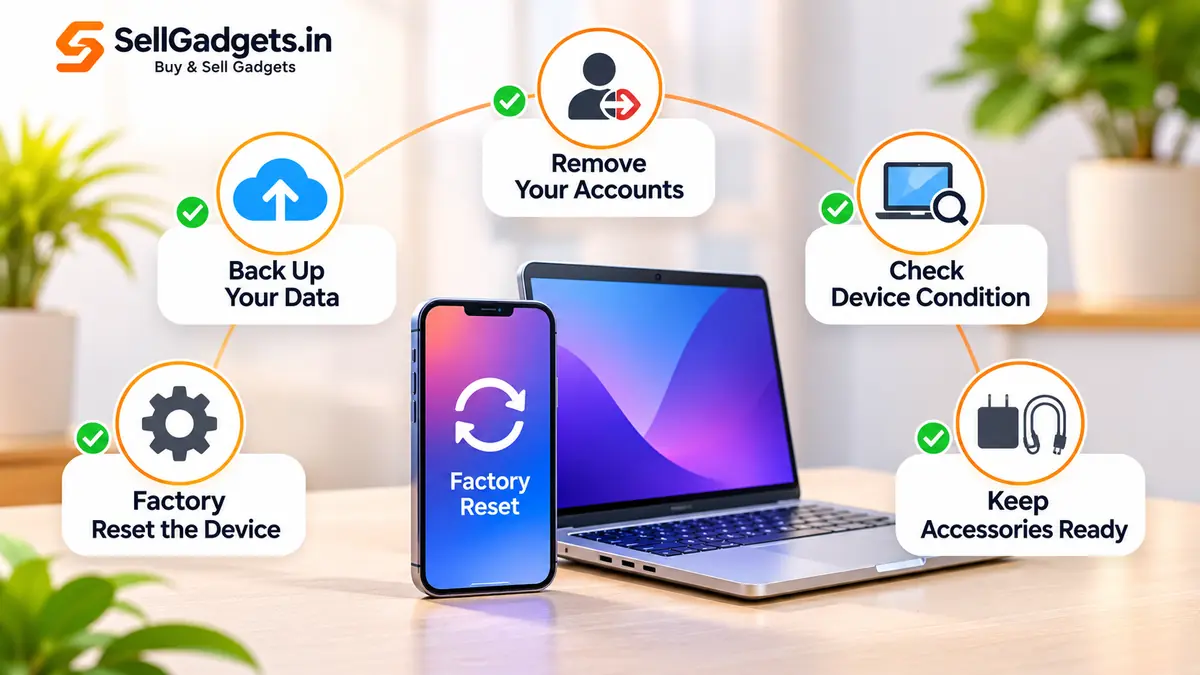
1. Back Up Your Important Data Before Selling
Your smartphone or laptop might contain years of photos, business documents, contacts, passwords and personal information. Before selling, make sure you've transferred everything you need.
For iPhone users
- Back up important information to iCloud or your computer.
- Transfer photos, contacts, messages and other important data.
- Confirm that the backup is complete and accessible.
- Move any authenticator apps or important account access to your new phone.
For Android users
- Back up contacts, photos and supported app data through your Google account or another trusted backup method.
- Transfer WhatsApp chats using its supported backup or transfer process.
- Copy important downloads and documents.
- Check that the files have successfully transferred.
For Windows laptop and MacBook users
- Back up important files to a trusted external drive or cloud service.
- Transfer business documents, photos and project folders.
- Export locally stored files from applications where needed.
- Check that your backup can actually be opened.
Important: Never erase your device before confirming that your important data has been saved elsewhere.
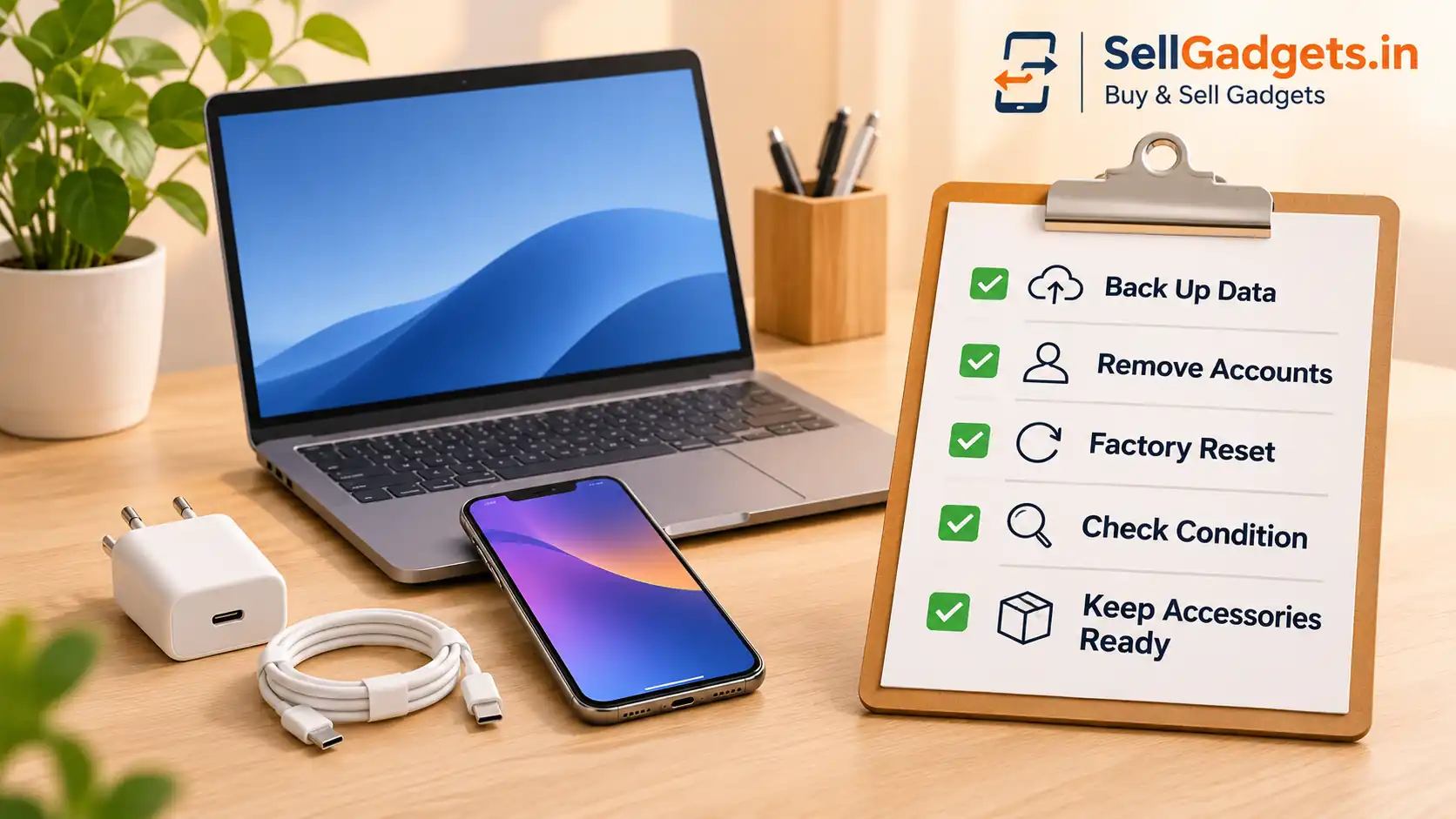
2. Remove Your Accounts and Device Locks
One of the most important steps before selling electronics is making sure the next owner can activate and use the device.
Selling an iPhone?
Follow Apple's official device-transfer instructions.
You should:
- Back up and transfer your information.
- Unpair any connected Apple Watch.
- Sign out of your Apple Account as instructed by Apple.
- Erase all content and settings.
- Confirm that Find My and Activation Lock have been removed.
The exact sign-out steps can vary by iOS version. Apple's supported erase process also removes Activation Lock when completed correctly.
Selling an Android phone?
Before the factory reset:
- Confirm your backup is complete.
- Disable manufacturer-specific device locks or protection where required.
- Remove your Google account and any other device accounts that may prevent activation.
- Follow your manufacturer's factory-reset instructions.
- Confirm that the device can be set up without requesting your previous account.
This helps avoid problems caused by Factory Reset Protection (FRP).
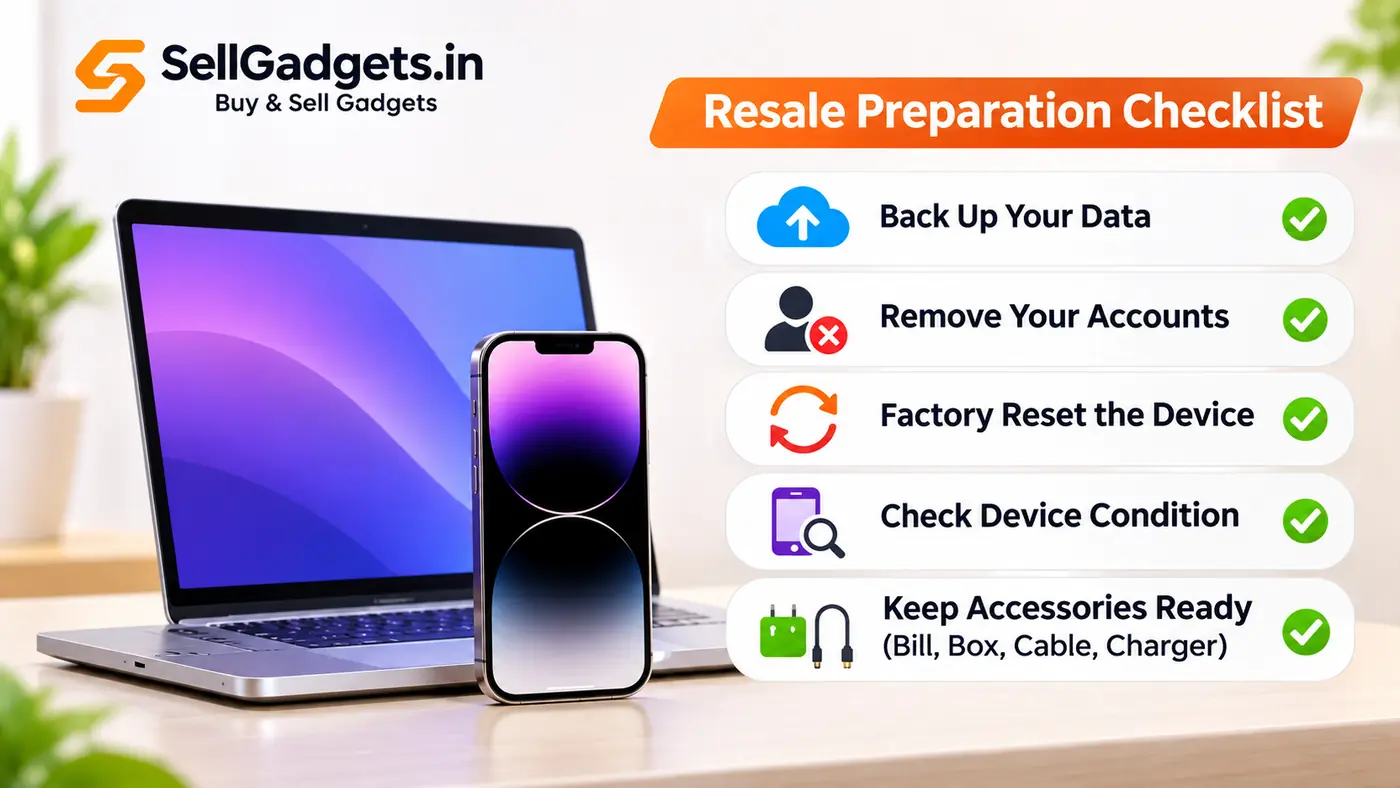
Selling a laptop?
Sign out of important accounts and remove company or school management restrictions where applicable. For a MacBook, follow Apple's official erase procedure. For Windows laptops, use the appropriate Windows reset or clean-install procedure. Never share your Apple Account password, Google password, banking PIN or OTP with a buyer.
3. Factory Reset Your Device Safely
A factory reset helps remove personal information before resale. For an iPhone, the usual path is: Settings → General → Transfer or Reset iPhone → Erase All Content and Settings
For Android phones, the reset option is generally under Settings → System or General Management → Reset, although the exact menu varies by manufacturer.
For MacBooks supporting Erase All Content and Settings, use the option provided in macOS. Older Macs may require the recovery-based erase and reinstall process.
For Windows laptops, use the Windows recovery/reset option and select the appropriate remove-everything and drive-cleaning settings. Additional secure-erasure steps may be appropriate for sensitive information.
After the reset, verify that the device starts at its initial setup screen and does not contain your personal data.
4. Check the Physical Condition of Your Gadget
Device condition can influence its resale value.
Before requesting a quote, inspect your gadget carefully.
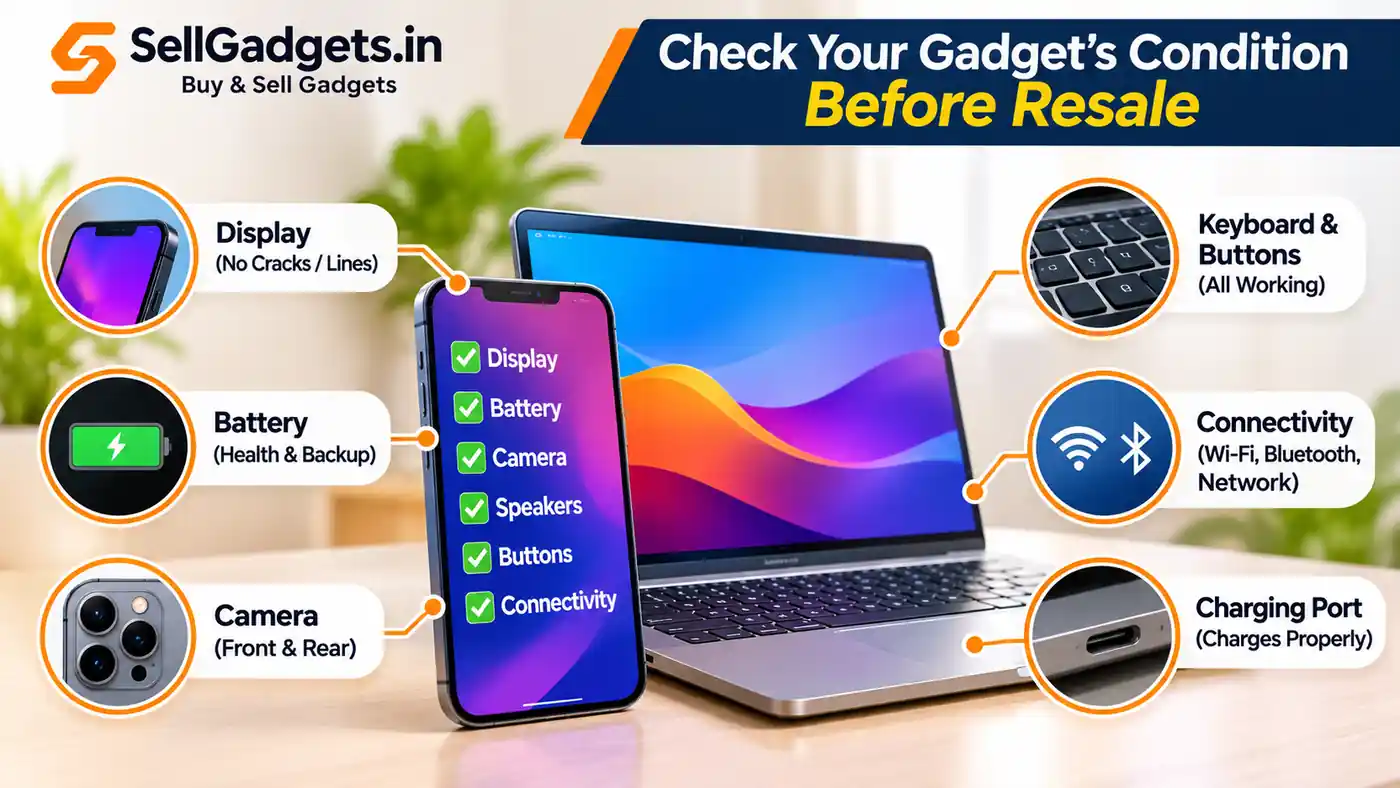
- Display: Cracks, dead pixels, lines, touch response
- Battery: Battery health, backup and charging
- Camera: Front and rear camera functionality
- Speakers: Sound quality and microphone
- Buttons: Power, volume and keyboard keys
- Connectivity: Wi-Fi, Bluetooth and mobile network
- Charging: Charging port and charging reliability
- Body: Dents, scratches and frame damage
For laptops, also check the keyboard, trackpad, display hinges, ports and storage. A device with fewer functional or cosmetic issues may attract a better offer, although the final resale value depends on several factors
5. Gather Your Original Accessories
If available, keep your original accessories ready. Depending on the device, these might include:
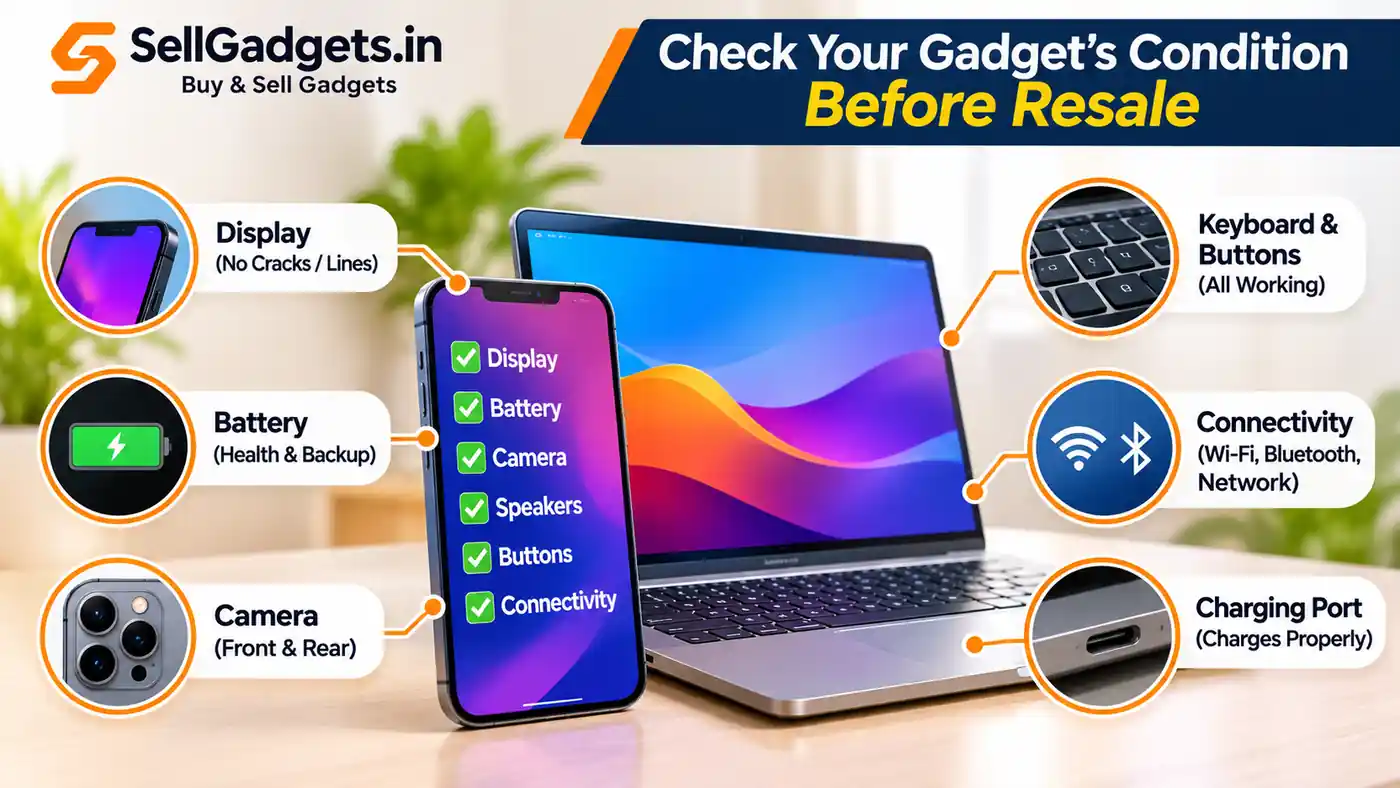
- Original bill or purchase invoice
- Original box
- Charging cable
- Compatible charger or power adapter
- Other accessories that originally came with the device
Not every buyer requires every accessory. However, having the original items available can make it easier to verify the device and may influence the quotation. Do not purchase replacement accessories solely for resale without first checking whether their cost would be worthwhile.
6. Check Your Phone or Laptop Specifications
Before selling, confirm the exact model and configuration. For smartphones, check:
- Brand and model name
- RAM and internal storage
- Colour and variant
- Battery health, where available
- Warranty status, where applicable
For laptops, check:
- Processor model and generation
- RAM capacity
- SSD or HDD capacity
- Display size
- Graphics configuration
- Battery condition
For example, two laptops with the same model name may have different resale values if one has 8GB RAM and 256GB SSD while another has 16GB RAM and 512GB SSD. Providing accurate specifications helps reduce confusion during valuation
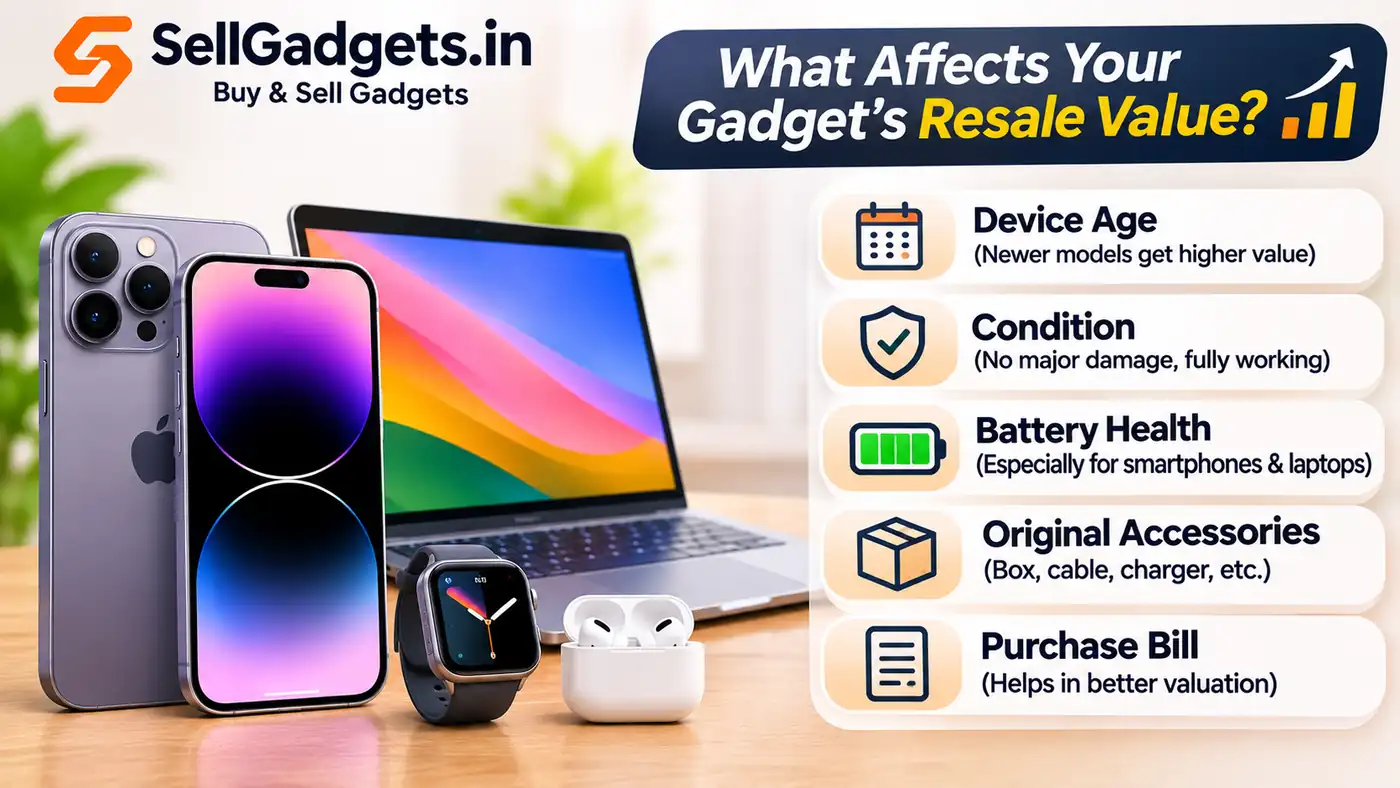
7. What Affects the Resale Value of a Phone or Laptop?
The resale value of a gadget is not determined by its age alone. Several factors matter:
Device model and demand
Popular models may retain stronger second-hand demand than less common devices.
Physical condition
Visible damage, such as a broken screen, dents or deep scratches, may reduce the offer.
Battery condition
Reduced battery health or charging problems can affect the device's usability and resale value.
Storage and specifications
Higher RAM, larger storage and stronger processors may influence prices, depending on the model and market demand.
Functional condition
Working cameras, speakers, buttons, network connectivity and other components are important.
Current resale market
Prices can change as new models launch, older models become less popular and second-hand supply increases. For these reasons, getting a current quotation is more useful than relying on the original purchase price.
8. Where Can You Sell Your Used Phone or Laptop in Bangalore?
If you're looking to sell an eligible working gadget in Bangalore, you can explore SellGadgets.in. The website provides an online quotation process and lets customers book doorstep pickup within Bangalore
How to get started
- Visit www.sellgadgets.in.
- Select your device category, brand and model.
- Choose the correct variant.
- Answer the device-condition questions accurately.
- Review the quoted amount and complete the required details.
- Book an available doorstep pickup slot.
Device condition and eligibility are checked during the purchase process, and the final payable amount is subject to verification. SellGadgets.in focuses on eligible working gadgets, including smartphones, laptops, MacBooks and other supported electronics
9. Final Checklist Before Handing Over Your Gadget
Use this checklist before completing the sale:
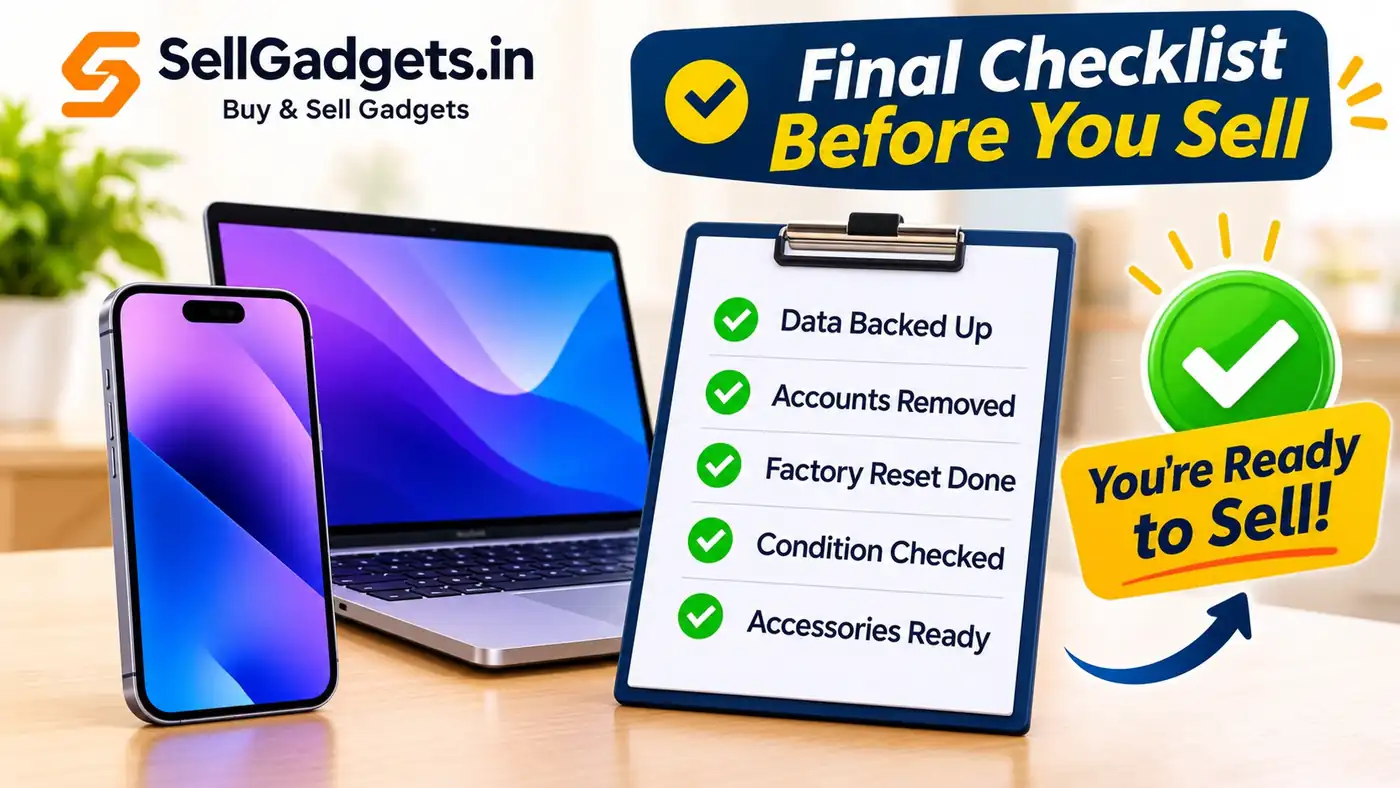
- Back up all important data.
- Transfer your contacts, photos and files.
- Move authenticator and account recovery access.
- Sign out and remove relevant linked accounts.
- Complete the appropriate device reset.
- Check for activation locks.
- Remove physical SIM cards and memory cards.
- Transfer or erase eSIM profiles as appropriate.
- Verify that personal information is no longer accessible.
- Keep available accessories ready.
- Confirm the device's specifications and condition.
- Review the final purchase amount before handover.
Frequently Asked Questions
Should I factory reset my phone before selling it?
Yes. After backing up your important data, follow the manufacturer's official steps to remove linked accounts and securely erase the phone. This helps protect personal information and prepares the device for its next owner.
Does battery health affect the resale value of an iPhone?
It can. Battery health is one factor buyers may consider alongside the model, storage, physical condition and market demand.
Can I sell a laptop without its original box?
Some buyers accept laptops without their original boxes. Availability of accessories may influence the quotation, so declare what you have accurately.
Can I sell my used phone online in Bangalore?
Yes. Platforms such as SellGadgets.in allow customers to select an eligible device, provide its condition details and book a doorstep pickup in Bangalore.
Should I remove my SIM card before selling my phone?
Yes. Remove your physical SIM and any memory cards before handover. If you use an eSIM, follow your network provider's transfer guidance and erase the old profile when appropriate.
Is it safe to sell an old laptop with personal data?
You should back up your files and complete the appropriate secure-erasure procedure before transferring ownership. If the device contains especially sensitive business or financial data, consider additional data-security precautions.
Conclusion
Preparing your phone or laptop properly before resale helps protect your personal data, prevents account-lock issues and makes the selling process smoother. Take time to back up your files, remove linked accounts, reset the device and check its condition before accepting an offer.
Ready to sell your used gadget in Bangalore?
Visit https://www.sellgadgets.in to explore available device categories, get an online quotation and book a doorstep pickup for an eligible working gadget.
Device eligibility, quotations and pickup availability are subject to the platform's current terms and verification process.


